A 3D cat fishing game on Steam · October 14, 2026
Halley's Big Catch — a 3D cat fishing game
Halley's Big Catch is a 3D cartoon cat fishing game on Steam. If you liked Cat Goes Fishing and want authored 3D shores and fights that feel like the fish — start at Hidden Pond. Play the free Steam demo now — Hidden Pond and Sandy Shoals.
- Cast, hook, and fight — timing, drag, and tackle match matter
- Hidden Pond and beyond — ponds, creeks, reefs, open ocean
- A journal, not a lecture — the story sits in what you find
- Free fishing demo on Steam — Hidden Pond and Sandy Shoals
Developed and published by ACCDevWorks. Wishlist for launch day, or play the free demo now.
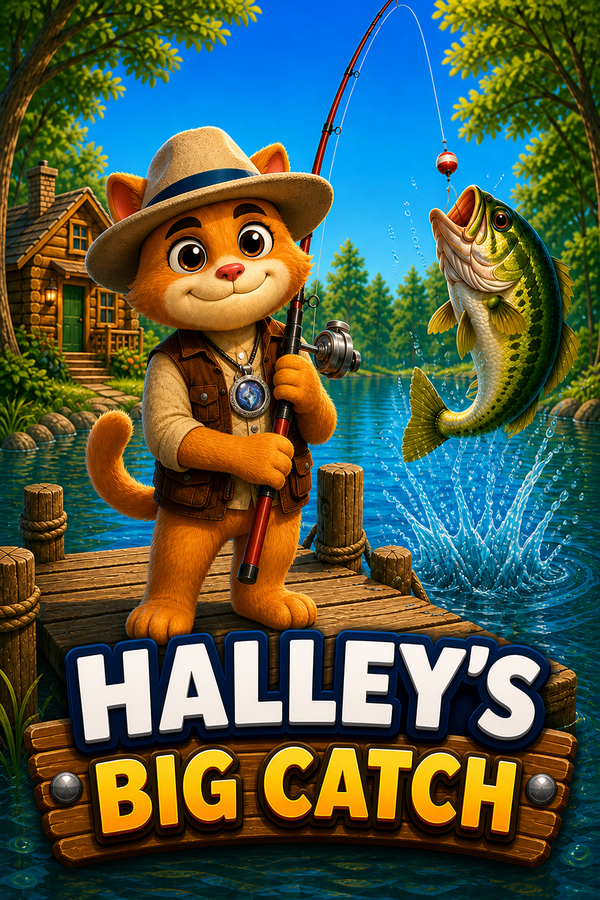
Halley's Big Catch Gameplay Trailer
A cartoon cat fishing game on Steam: Hidden Pond, fights that feel like the fish, and the trail beyond.
Prefer Steam? Watch it on the store page.
A 3D cat fishing game with a real fight
Halley is a cartoon cat who takes fishing seriously. He comes home to Hidden Pond for a quiet day on the dock — and finds the start of something much bigger. Relics. Waters all over the world. The old fish stories from childhood start to feel closer than they used to.
This is a cozy 3D fishing adventure for PC: warm scenery, great water, and fights that feel like the fish, not a health bar. A worn medallion. Strange pieces waiting on distant shores. When Halley finds one, the medallion reacts. The rest of the story you learn by fishing.
Games like Cat Goes Fishing
Cat Goes Fishing is the game people mean when they search for a cat with a rod. It is 2D and side-on: one island, better rods, boats, a fish catalog, and hats. If you want another game in that lane, Halley's Big Catch is a 3D cat fishing game on Steam. You play the cat. You cast, hook, and fight. Each shore is its own water.
It is not a reskin. There is no radar, no boat shop, and no hat slot. The fight comes from the fish you hooked, and the trail takes you off the home pond — creeks, reefs, and open ocean — with a free Steam demo of Hidden Pond and Sandy Shoals before the October 14, 2026 launch.
A 3D fishing game for PC
Cast, Hook, Fight
Timing, drag, and tackle match matter. The fight should feel like the fish — not a bigger health bar.
Hidden Pond and Beyond
Start at the cabin dock, then travel: ponds, creeks, reefs, open ocean, and more — each shore its own water.
Dozens of Species
Keep a bag, fill the index, and chase the ones that got away. Every location stocks the fish that actually live there.
Gear That Changes the Fight
Combos for still water, fly water, and blue water. The right kit is how you land the fish, not a stat dump.
A Journal, Not a Lecture
The story sits in what you find. No quest-log dump — you learn by fishing the next shore.
Free fishing demo on Steam
A full Windows game from ACCDevWorks. Wishlist now — it launches October 14, 2026. Play the free Steam demo today.
In the Game
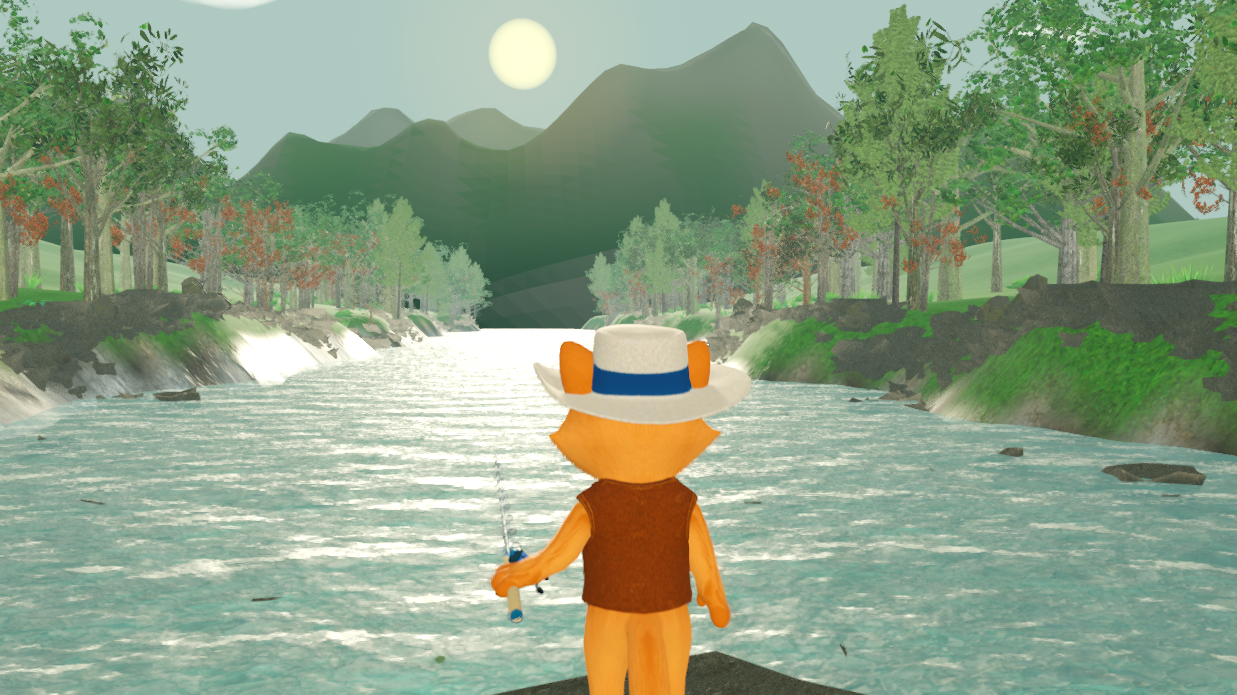
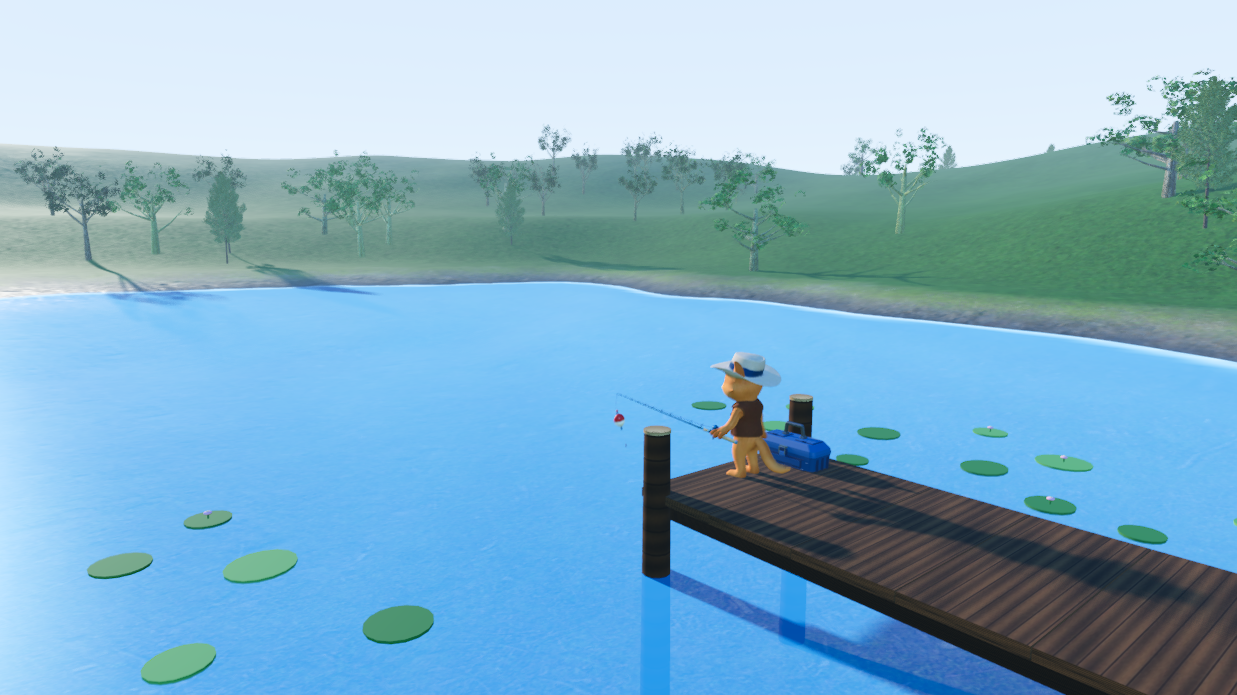
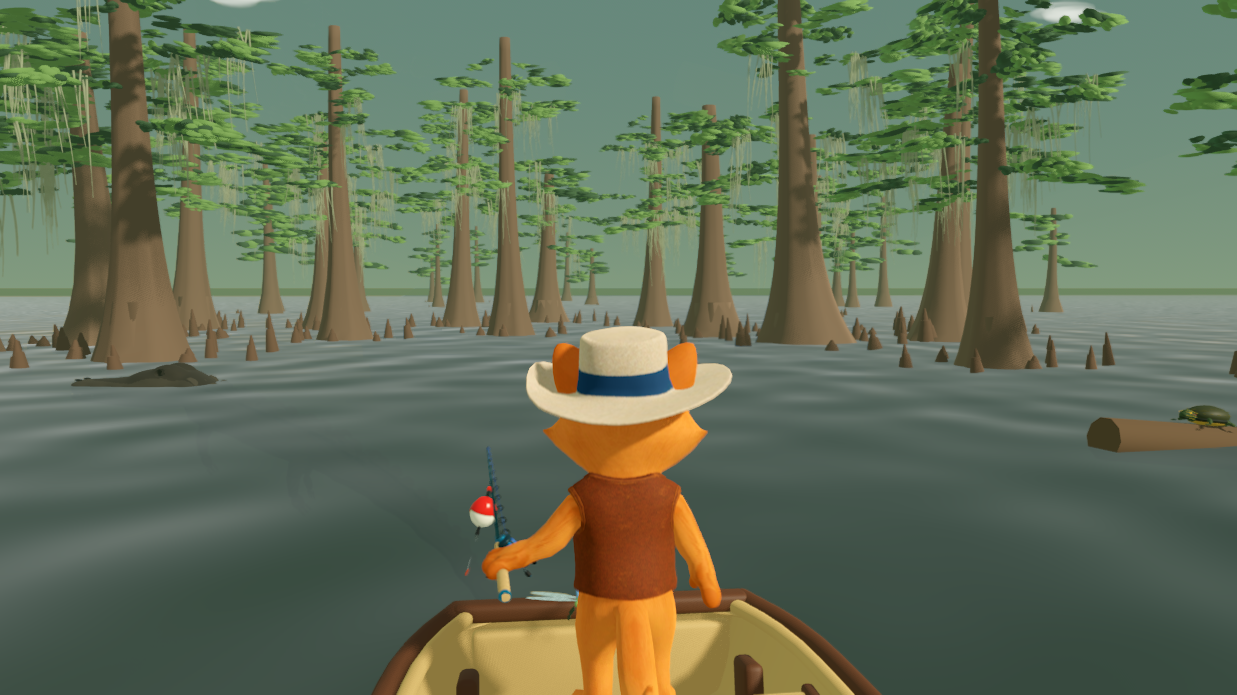
Live stills from the playable shores — Hidden Pond, Silverthread Creek, Amazon Depths, and Louisiana Bayou.
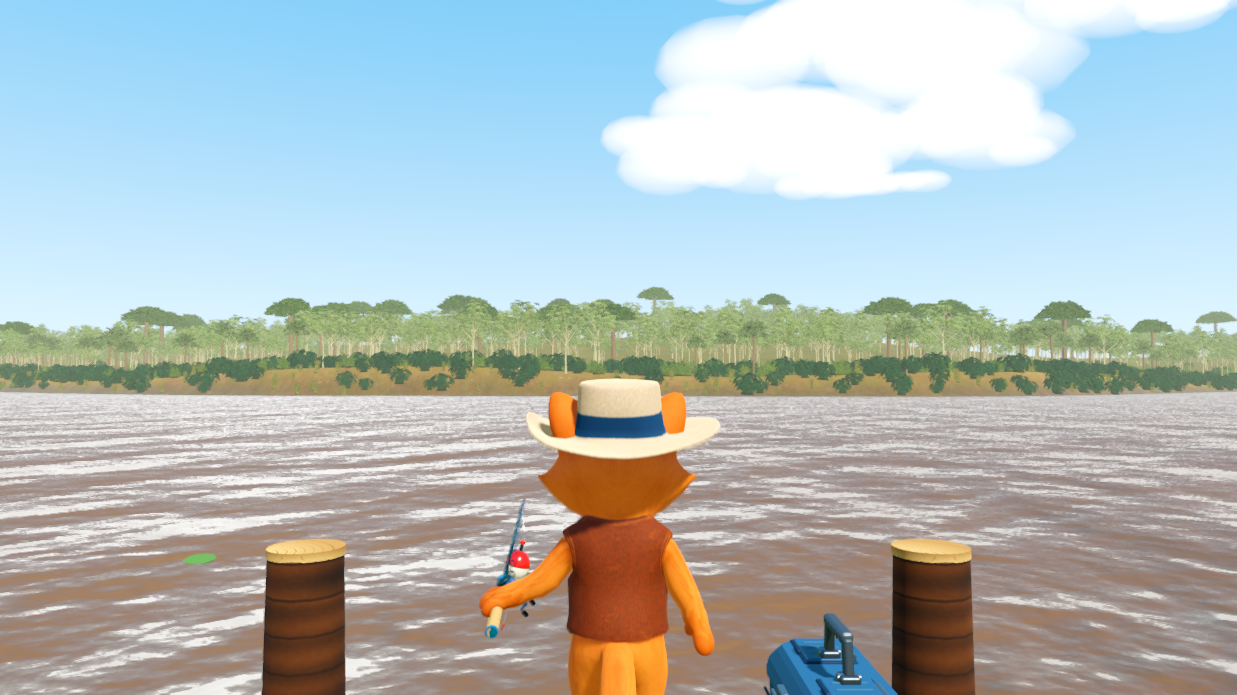
Free fishing demo on Steam
Halley's Big Catch launches October 14, 2026 on Steam. Windows 10 or later. The free fishing demo covers Hidden Pond and Sandy Shoals.
Wishlist the full game, or play Halley's Big Catch Demo on Steam.
Frequently Asked Questions
When does Halley's Big Catch come out?
It launches October 14, 2026 on Steam. Wishlist the game to get notified that day.
Is there a free fishing demo on Steam?
Yes. A free Steam fishing demo lets you fish Hidden Pond and Sandy Shoals before launch.
Is this a 3D fishing game for PC?
Yes. Halley's Big Catch is a 3D cartoon cat fishing game for Windows on Steam — authored worlds, real fights, and a story you learn by fishing.
Where can I play it?
On Windows through Steam. Minimum: Windows 10, DirectX 12. A free fishing demo is available now.
Is this the old phone / browser game?
No. Halley's Big Catch is a full Windows Steam game — 3D worlds, authored water, and fishing that lives on the desktop. The earlier mobile web version is retired.
Who is making it?
ACCDevWorks — an Austin, Texas studio. We develop and publish Halley's Big Catch ourselves.
What are some games like Cat Goes Fishing?
Halley's Big Catch is a 3D cartoon cat fishing game for people who liked Cat Goes Fishing. You still play a cat with a rod and fill a catalog. The difference is authored 3D shores and fights that feel like the fish. A free Steam demo covers Hidden Pond and Sandy Shoals.
Is there a 3D Cat Goes Fishing?
Cat Goes Fishing itself is 2D. Halley's Big Catch is a separate 3D cat fishing game on Steam — Hidden Pond, real fights, and a story across new shores. It launches October 14, 2026, with a free demo available now.
What is Halley's Big Catch?
Halley's Big Catch is a cartoon cat fishing game with a story. Halley comes home to Hidden Pond for a quiet day on the dock and finds the start of a longer trail — relics, distant waters, and the old fish stories from childhood. You learn by fishing, not by sitting through a lecture.
Halley's Waiting on the Dock
Play the free Steam demo of this cartoon cat fishing game today. Stand on the dock with him on October 14, 2026.
Halley's Big Catch is developed and published by ACCDevWorks — an Austin, Texas studio. See the portfolio.